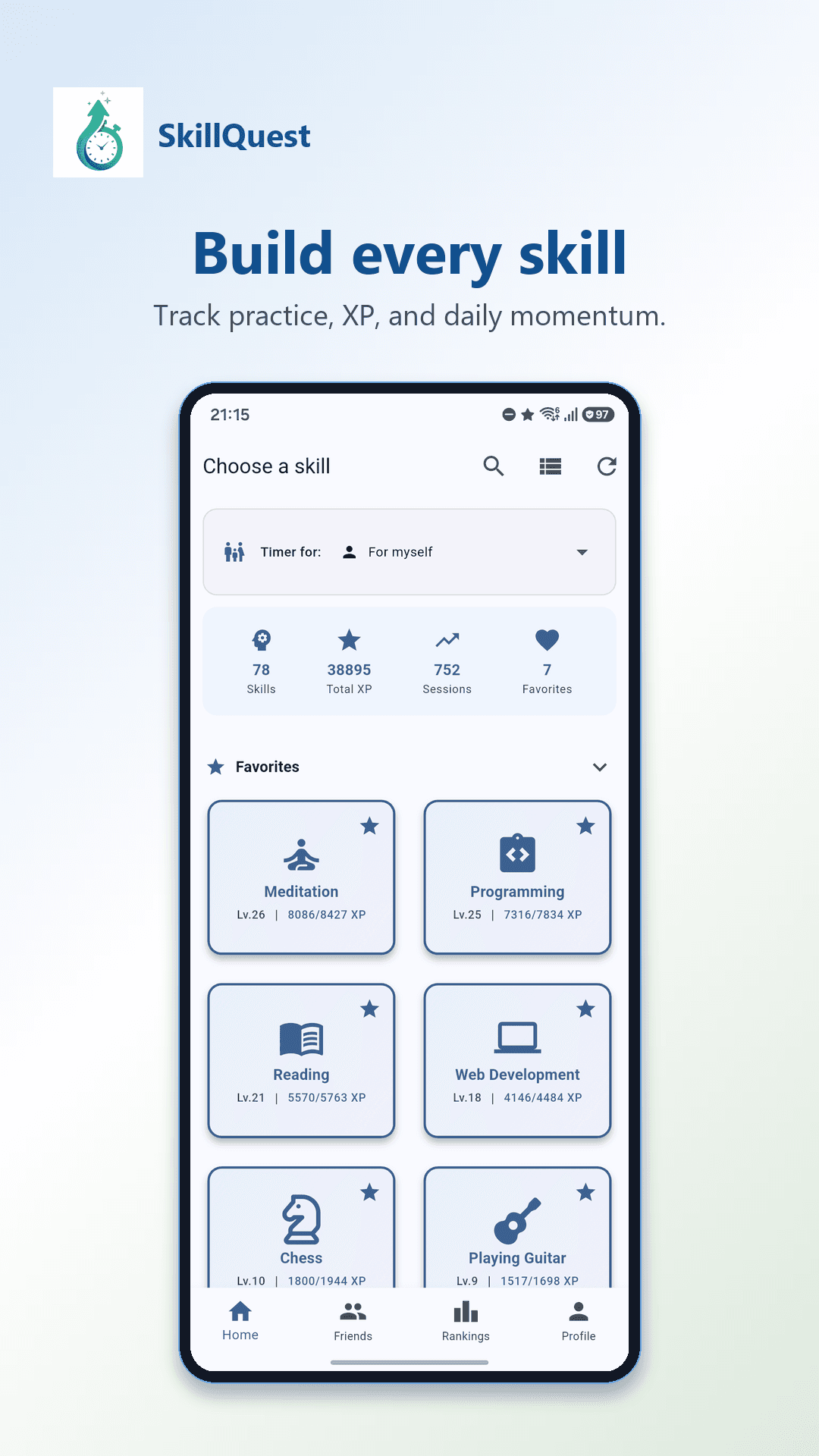
Choose a skill
Reading, piano, guitar, homework, or any of the other skills in the app.
For parents
SkillQuest is a timer that tracks progress in reading, a musical instrument, or anything else your child is practicing. After each session, you can see how that skill is improving.
Free to install, with no ads.
My son had to read for 10 minutes every day for school. We were already setting a timer for that, so I decided to keep track of how much he had read.
That worked better than I expected. Now he picks up his iPad himself and starts the timer. Sometimes he stops early, sometimes he keeps reading. He gets happy when he’s read for another day, and recently he proudly showed his teacher his progress.
SkillQuest was born out of that tracking.
Hans Vlasblom, father and creator of SkillQuest
Reading, piano, guitar, homework, or any of the other skills in the app.
For example, 10 minutes. The timer keeps running while your child practices; no one needs to look at the screen.
Every minute of practice earns 1 XP. That way, it’s the effort that counts, not the result, and you can see how it adds up each week.
With the family feature, you as a parent can track your child’s progress.
If your child is still young, you can start the timer on your own phone, and the practice time will count toward your child’s total.
The family feature is included with the Family subscription at €6.99 per month or €69.99 per year. The rest of the app is free.