Homework Timer

A homework timer that gives homework time a clear start and end

Give homework time a fixed length. Start a countdown, let your child work, and see the minutes add up afterward. SkillQuest is a timer with progress, not a homework planner.

A clear block of homework time

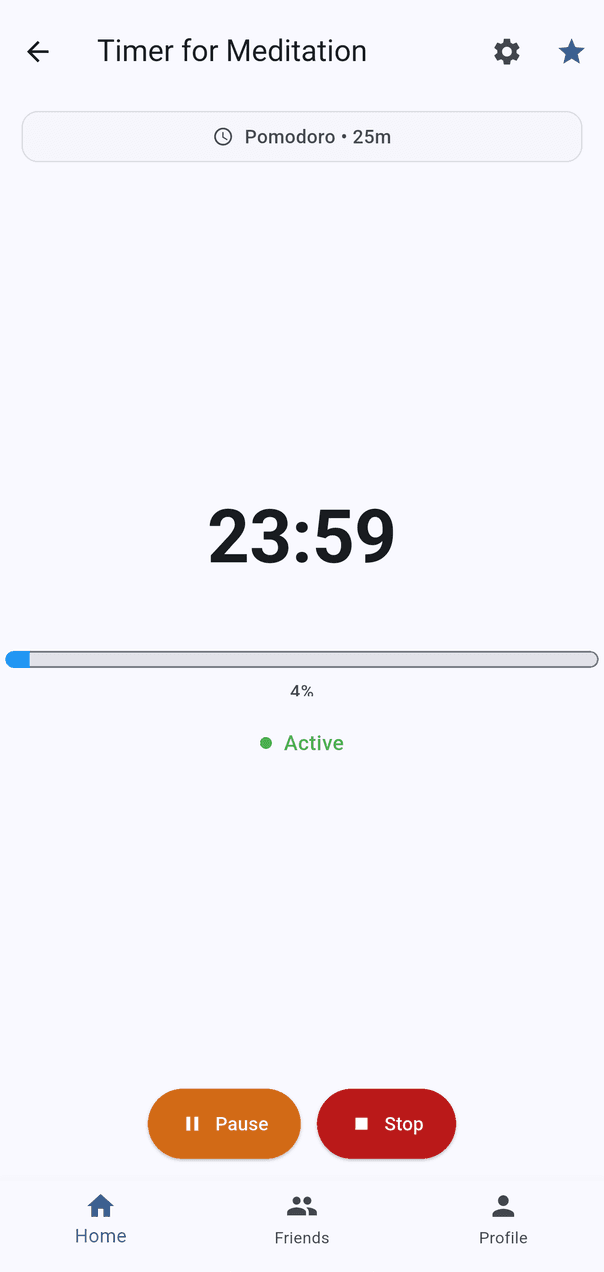
Choose the homework skill and start the timer. It counts down from the length you set and keeps running while your child works; no one needs to watch the screen.

  • The timer is set to 10 minutes by default.
  • Set a longer or shorter time to suit the task.
  • The screen is only for starting the timer and checking progress afterward.

See the time add up

Every minute earns 1 XP for the skill, so the effort counts, not the grade. Over the weeks, you and your child can see how much time went into homework.

  • XP and levels per skill.
  • Statistics by day, week, month, and year.
  • Active days show how many days your child put in the time.
  • Reading or an instrument can be tracked as separate skills.

Start free, add Family when you want it

You can start without an account and without paying. The Family plan is for parents who want to start the timer and follow progress from their own phone.

  • Guest Mode: no account or email needed to try it.
  • Free to install, with no ads.
  • With Family, you can start the timer on your own phone and see your child’s statistics.
  • Family is EUR 6.99/month or EUR 69.99/year.

FAQ

How long should my child spend on homework each day?
That depends on age, school, and class. Ask the school what it expects. In SkillQuest you then set the timer to that length; the default is 10 minutes.
Can SkillQuest keep track of homework assignments?
No. SkillQuest is a timer with progress, made for daily practice such as reading or an instrument. It does not list assignments or deadlines. For homework, use it to time the work and see the minutes add up.
Does the homework timer work without an account?
Yes. With Guest Mode, your child can use the timer, earn XP, and see progress without an account. Progress is stored on the device, and it carries over if you create an account later. Family features need an account.
Does my child need their own phone?
No. SkillQuest runs on iPhone, iPad, and Android, so your child can use a device you already have at home. If your child is still young, the Family plan lets you start the timer on your own phone, and the time counts toward your child’s progress.
What does SkillQuest cost?
Installing and using SkillQuest is free, and there are no ads. The Family plan, which lets a parent start timers for a child and see their statistics, is EUR 6.99/month or EUR 69.99/year.
Homework Timer App for Families | SkillQuest